Built for contractors & trades
Job photos that close clients.
Capture every project from start to finish. Organize photos by job site, share progress with clients, and build a portfolio that proves your craft — without the camera-roll mess.
Free to startNo credit cardiPhone first — Android & web soon
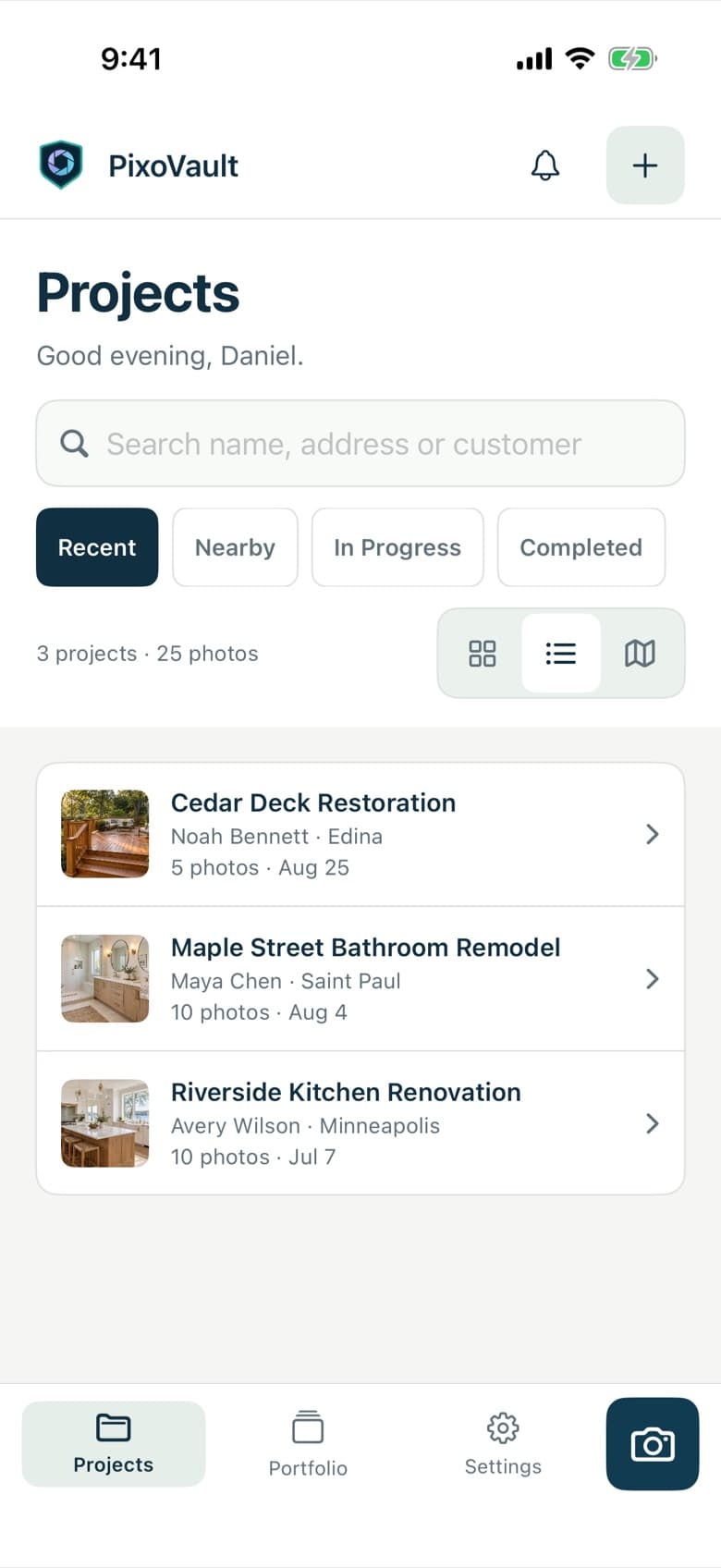
Welcome back, Dan
Projects
Maple St. Backyard
Austin, TX · 24 photos
Cedar Deck Rebuild
Round Rock, TX · 41 photos
Made for every trade
How it works
From job site to signed contract.
Quick capture in the field. Tidy at the office. Trust-building on the proposal.
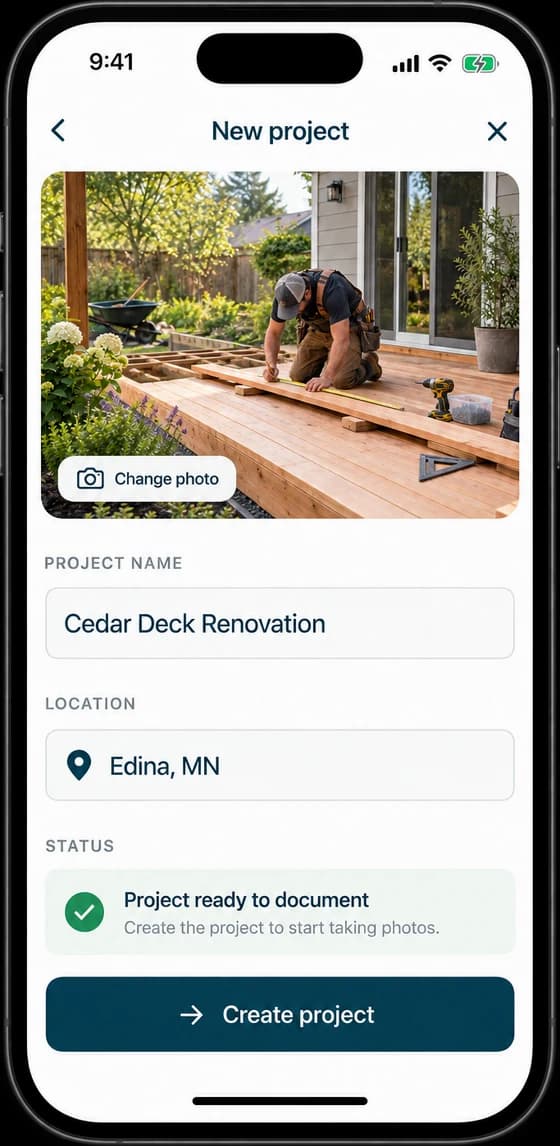
Capture on-site
Open the camera, pick the job, shoot. Photos land in the right project every time — even with gloves on.
Organized automatically
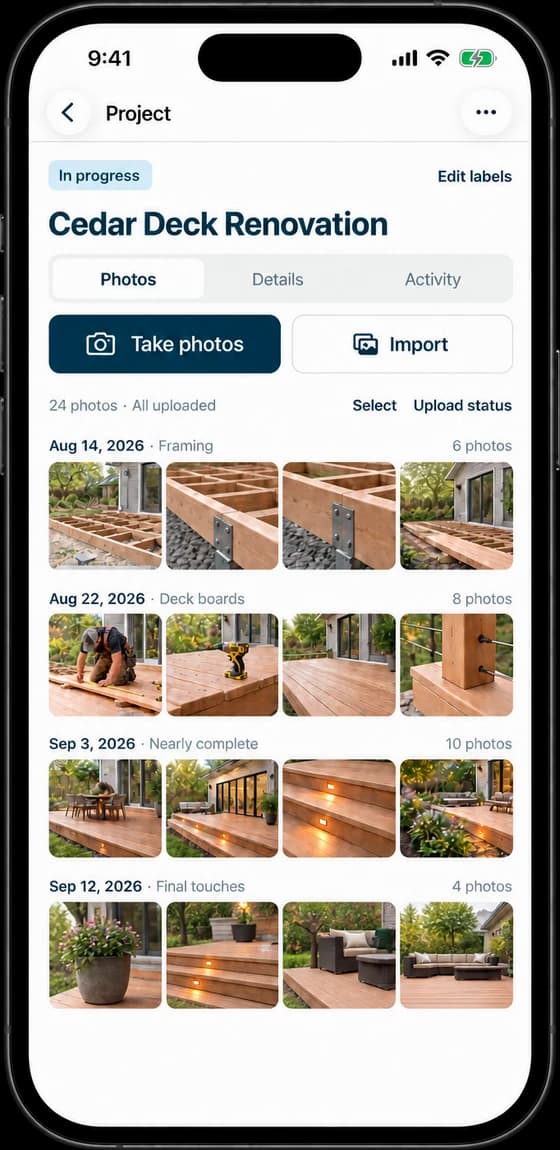
Every shot is geotagged, time-stamped, and thumbnailed. Filter by status, payment, or distance from where you stand.
Share & win work
Send progress to clients, or publish a portfolio page that proves your craft to the next one.
Features
Built for the way trades actually work.
Everything a job needs — photos, status, payments, location, client details — in one place instead of five apps.
One-tap capture
Tap a project, take a photo. Auto-tagged with location and timestamp so every job has a complete record. Up to 10 shots per session, uploaded in the background while you keep working.
Map view
See every job on a map. Find nearby projects in seconds.
Status & labels
Track progress and payment at a glance — plus custom labels for the way your business runs.
Project organization
Group photos by job site, client, and status. Filter by recent, nearby, in progress, or completed.
Client details
Keep client contact info tied to each project. Notes, addresses, contact methods — all in one place when you're standing in the driveway.
Private by default
Your photos are yours. Nothing is public unless you publish it — and shared portfolios show city-level location only, never client names or exact addresses.
Portfolio sharing
Your best work, on display.
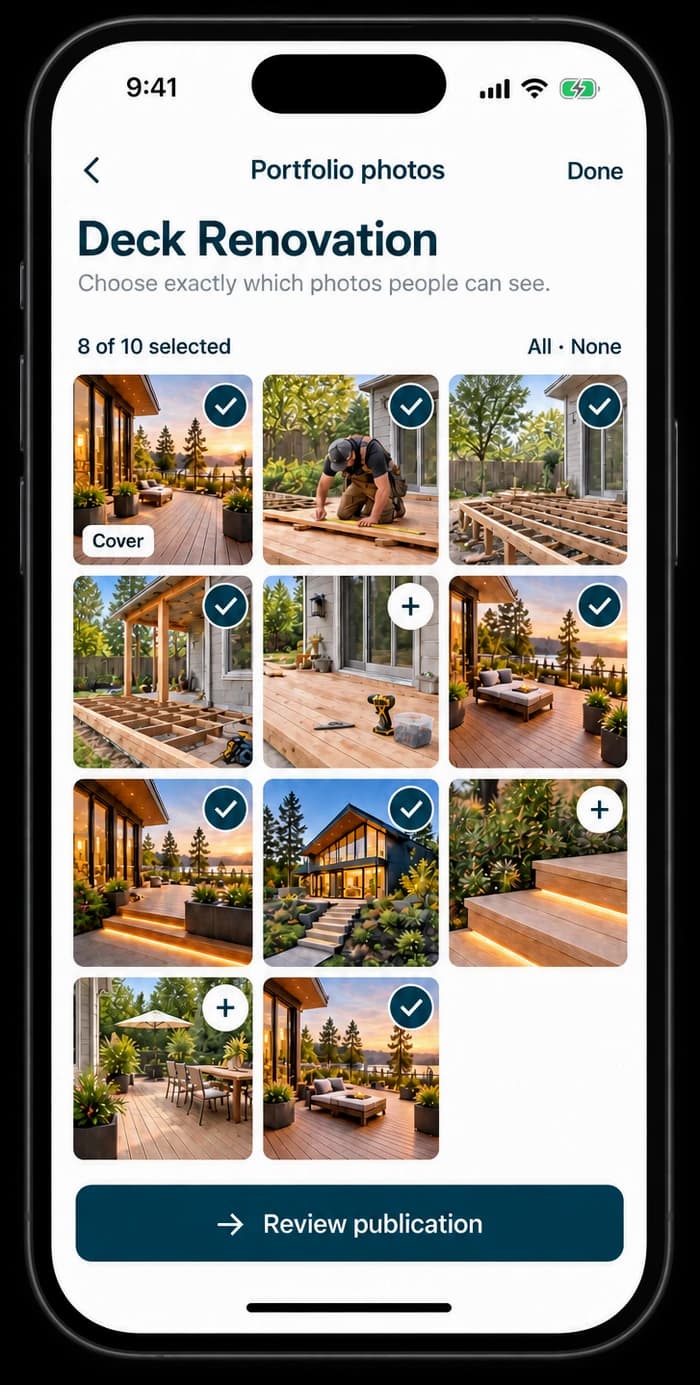
Every account gets a public portfolio page — a clean website built from the projects you choose to share. Send one link in your next proposal and let finished jobs do the selling.
- One link: pixovault.app/p — no website needed
- You pick which projects go public
- City-level location only — privacy-first
Portfolio
Radut Landscaping
Pricing
Simple pricing. No tricks.
Start free with every feature unlocked. Upgrade only when you outgrow the limits.
Everything to try the workflow on a few jobs.
- Up to 3 projects
- Up to 30 photos total
- All features unlocked
- Portfolio sharing
- Map view & labels
Or $149/year — about 2 months free.
- Unlimited projects
- Unlimited photos
- All features unlocked
- Priority support
- First access to new features
FAQ
Questions, answered.
Is the Free plan really free?
Yes. Three projects, 30 photos, every feature unlocked — no trial clock, no credit card. It's the full product, sized for trying it on real jobs.
What happens when I hit the free limits?
Nothing is deleted or locked away. You keep everything you've captured; you just can't add a 4th project or 31st photo until you upgrade to Pro or clear some space.
Do my photos stay private?
Private by default. Your portfolio page only shows projects you explicitly publish, with city-level location only — never client names or exact addresses.
Which devices does it run on?
iPhone first — launching soon on the App Store. Android and a web app are on the roadmap.
Can I cancel Pro anytime?
Anytime, straight from your Apple ID subscriptions. You keep Pro until the end of the period you paid for.
Ready when you are.
PixoVault for iOS launches soon on the App Store. Get a note the day it goes live — nothing else, no newsletter.
Get launch notificationFree plan available · Android & web on the roadmap